

Book work trips in minutes, earn rewards for future trips
Travel for business, keep the rewards for future trips
Book once, win twice. Get instant discounts and rewards.
Save time booking business travel
Find business-friendly stays with the amenities you need.
Stay flexible when plans change
Cancel for free on many hotels, with 24/7 support when you need it.

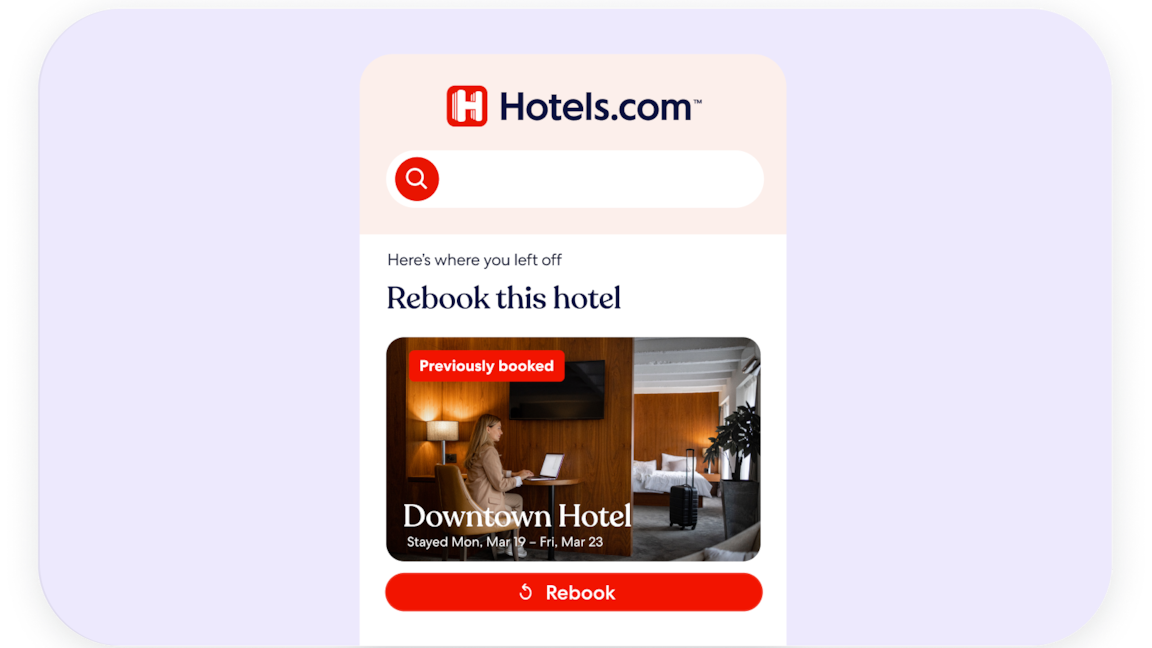
Book familiar stays faster
Quick Rebook saves your details to speed up repeat reservations.

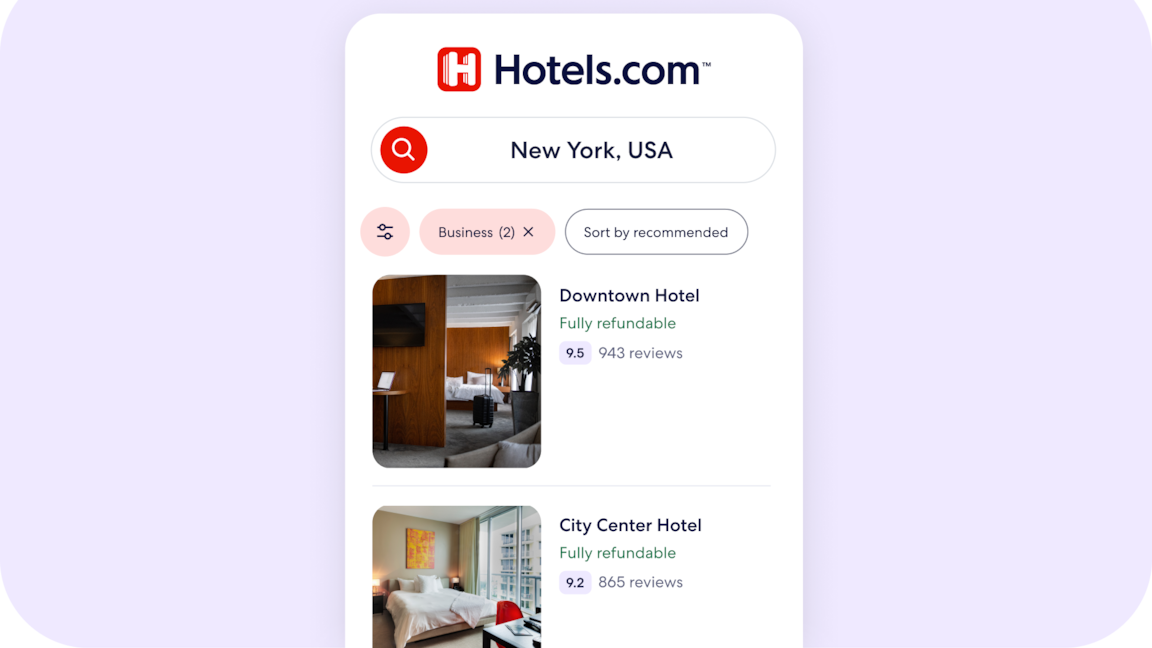
Book now, adjust later
Select fully refundable in business preferences to find stays with free cancellation.
Learn More
What is the Hotels.com for Business experience?
A business booking experience for travelers who book their own business travel and don’t use a corporate travel platform.
How is this different from the regular Hotels.com experience?
The booking experience stays the same, but now includes a business profile, business filters, business-ready highlights on the property page, and Quick Rebook for your preferred hotels. Together, these help you skip generic results and get straight to hotels that fit how you travel for business.
Do I need a separate “business” account?
No. You keep one Hotels.com account and add a business profile to it. You can easily switch between personal and business trips.
How do I turn on the business experience?
Set up your business profile in your Hotels.com account, then click the “traveling for work” box when you search. From there, your business filters and preferences are automatically applied to your results.
Can I switch between business and personal trips?
Yes. You can switch using the trip-type checkbox. Check it for work trips so we apply your business preferences; turn it off for personal trips so you see options tailored to leisure instead.
Does it cost extra to use Hotels.com for Business?
No. The experience is included for free when you use Hotels.com.
What kinds of things does the experience remember about my work trips?
It remembers the settings that matter most when you travel for work, such as budget range, star rating, and practical amenities like Wi-Fi, breakfast, parking, or a gym.
What is “Quick Rebook,” and how does it help me?
Quick Rebook lets you select trusted hotels you’ve already stayed at for work and book them again in just a few taps. Instead of rebuilding your search and filters every time, you can quickly repeat the stays you already know work for you.
Will my employer be able to see my bookings automatically?
No. By default, your bookings and preferences are tied to your personal Hotels.com account and business profile. You can share confirmation emails or business receipts with Finance or your manager, but we don’t automatically expose your trips to your employer.
What about loyalty and rewards—will I still earn them?
Yes. You continue to earn and use your Hotels.com and Expedia Group loyalty benefits the same way you do today. The business experience is layered on top of your existing account; it doesn’t change how rewards work.